

Shared operating base
Core
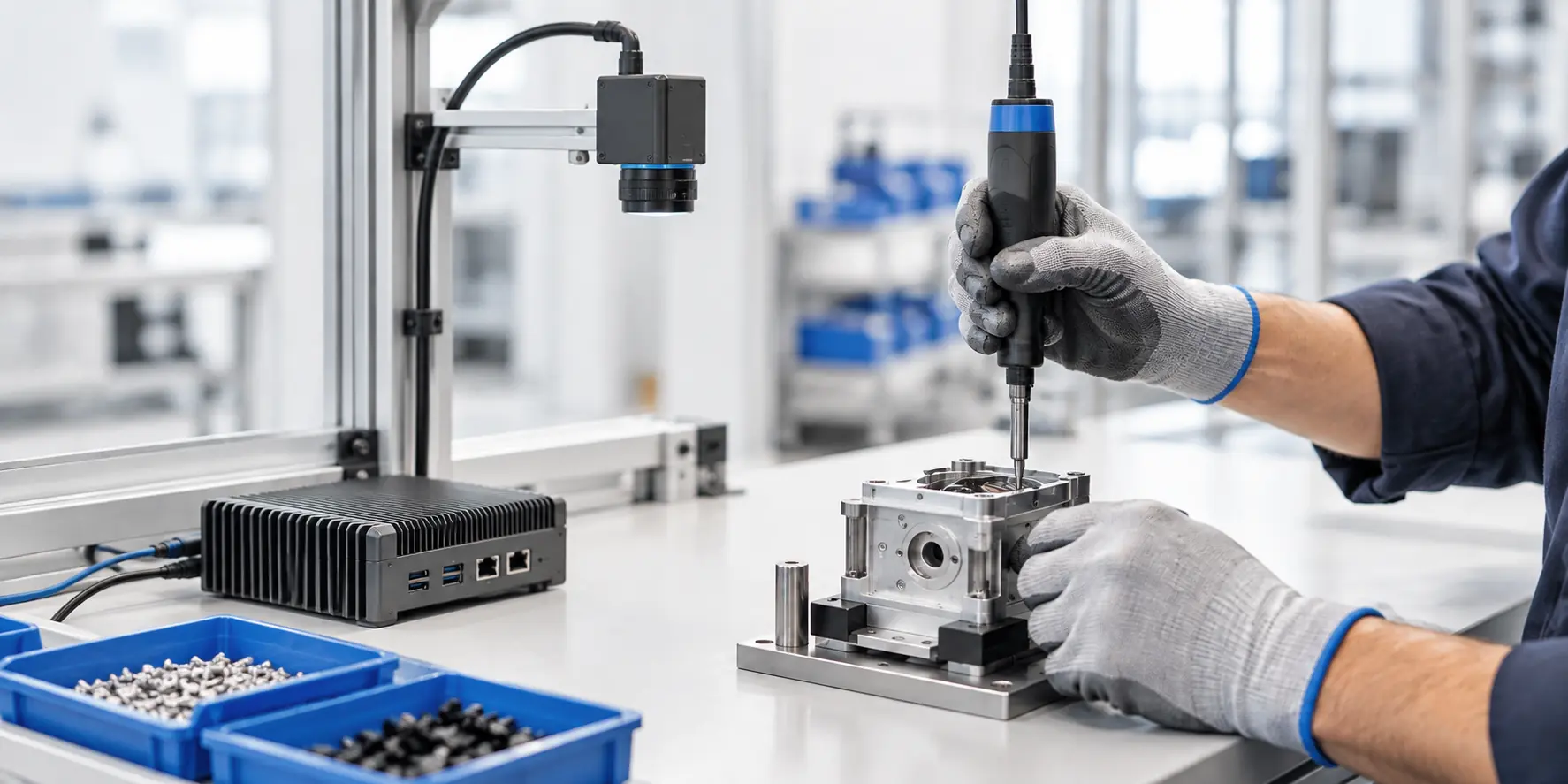
Core is the proposed base operating package for a workcell. NVIDIA Jetson Orin Nano is an edge-compute evaluation candidate, not a confirmed Core component.
WORKCELL EQUIPMENT & SETUP
Start with the manager’s question, then scope equipment and site checks. This guide does not confirm compatibility or installation.
Choose one question a manager needs to review, such as a missing step, sequence variation or fastening reading. This page does not ask for a work standard or actual work records.
PRODUCT PATH
Each stage needs its own evidence and validation. More data alone does not advance a stage.
01 · FIRST PRODUCT DIRECTION · NOT LIVE
Managers review each worker’s task cycle against an agreed standard, including observed steps, sequence, allowed variations, tool readings and timing.
The manager-review service is not live.
02 · FUTURE STAGE · NOT LIVE
Consider defect identification only after work history is linked to independently sourced final-inspection, measurement or rework outcomes and verified defect labels.
This stage remains unavailable until the outcome links and defect labels are validated.
03 · LONG-TERM DIRECTION · NOT LIVE
Humanoid or robot automation is a long-term direction, considered only after task success, failure, recovery, human intervention and task-specific safety have been validated.
This page does not offer automation equipment or validated automation capability.
STAGE 1 · MANAGER-REVIEW PREPARATION
The manager-facing task-review service is not live. This list helps scope one task for a discussion; it does not run an analysis or determine readiness.
Note a generic standard label, revision, and effective date only. Do not share the standard text or confidential work instructions.
Define a generic task name, its start and end boundary, and one criterion for the manager to review. Worker names, employee numbers, and badge details are not needed.
For camera, tool, PLC, or other signals, identify the timestamp source, time zone or clock basis, and whether times are local or normalized. Do not send raw logs.
Where customer rights and data governance permit, note the general name and aggregate period of an independent inspection report when scoping Stage 1, so outcome linkage can be planned from the start. Keep it separate from task-performance evidence; do not share record-level references or customer production data.
WORKCELL PLANNING INQUIRY
Start with one observable review criterion, then discuss the vision, existing sensors, edge compute and optional display topics it may need. Step adherence, pace or throughput, and product quality are separate measures. This planning page does not score workers or configure a package. Do not include worker details, work instructions or files.
PROPOSED PACKAGE STRUCTURE
PROPOSED STARTING SCOPE · CORE + VISION
Shared operating base
Core is the proposed base operating package for a workcell. NVIDIA Jetson Orin Nano is an edge-compute evaluation candidate, not a confirmed Core component.
Camera starting modality
Vision is the proposed camera starting modality. Camera selection and installation suitability require review on the actual workcell.
OPTIONAL AFTER TASK REVIEW
Additional signals · optional
Fusion is the proposed optional combination of additional sensor inputs. Validate each device, connection and combination for the workcell.
Manager display · optional
A manager display is optional. An existing display or tablet can be considered; support still needs to be confirmed.
This proposed discussion structure is not a confirmed SKU catalog, compatibility promise, quote or order, product availability, or deployment capability.
Use a generic task name only. Do not enter worker names or IDs, confidential work instructions, or raw logs, photos, or videos.
The email draft opens in your mail app and is not sent automatically. With JavaScript enabled, the guided inquiry link prefills these choices in the existing form in this browser. The site does not upload these choices or save them to browser storage; review and send the email yourself. Copy plan text places the current plan on your clipboard; Print planning brief opens the current plan in the print dialog. Site-review topics are requests, not an actual inspection or compatibility check. This summary does not check device compatibility or configure or install a package.
Confirm the manager’s review question and task scope.
Use vision as the starting signal, then assess relevant existing signals, placement and work access.
Measure latency, memory, power, heat, long-run stability and hold behavior when signals are missing.
Review existing manager displays first. A tablet remains optional.
NVIDIA Orin Nano is an evaluation candidate, not a confirmed shipping specification. The production module, board, enclosure and performance need validation for the actual setup.
A tablet is optional; an existing manager display or supported workcell client can be considered first.
Availability, pricing, sensor support, workcell compatibility, installation scope and performance are not confirmed. Any configuration must be determined after evaluating the actual workcell.
Review the sensor connection approachReview edge candidates and installation and operating conditions.
Discuss a workcell setup